Beginner
-
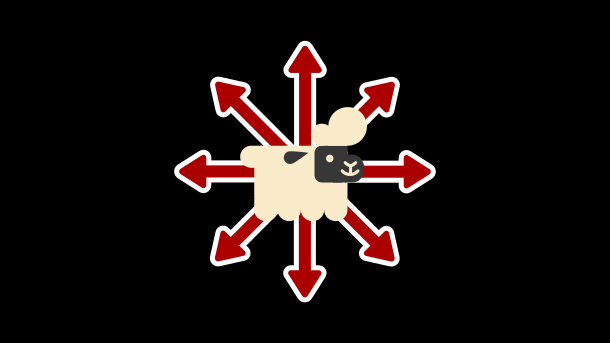
Simple Top-Down Movement
Top-down movement is one of the most common systems you’ll build in GameMaker.The goal is simple: read player input and move the character smoothly in 8 directions. Try It Out! Let’s build a solid, flexible version you can reuse in any project. Step 1: Read Player Input First, we check which directional keys are being…
-
How GameMaker Works
The Basics GameMaker builds games by combining different kinds of assets that work together. Each type has a clear purpose, and together they form the foundation of your game. Rooms A Room is like a level or scene. It contains everything that appears on screen, such as the player, enemies, walls, and backgrounds. Every GameMaker…
-
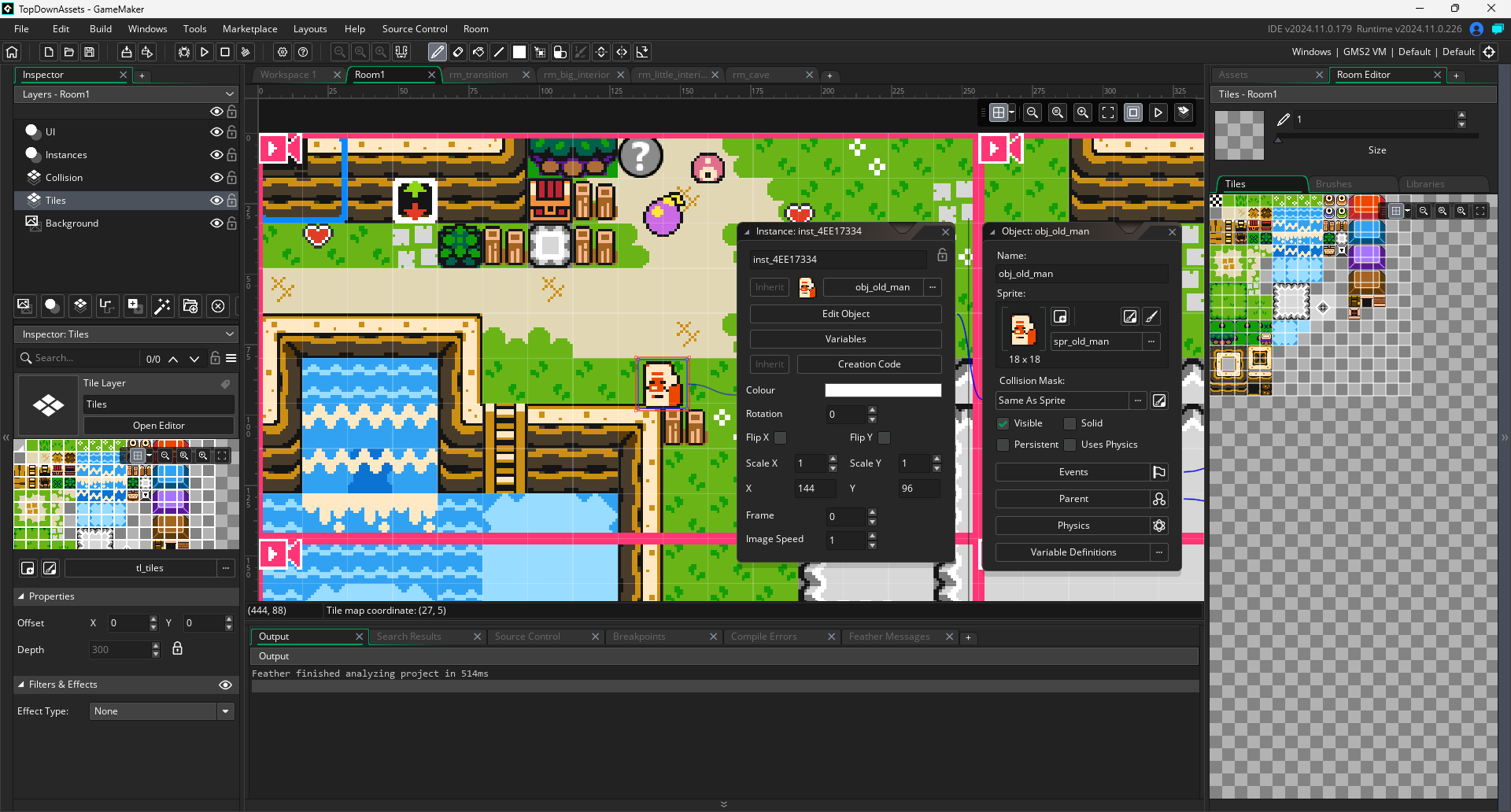
Rooms
In GameMaker, a Room is where your game actually happens. Think of it like a stage or scene in a play. A room is where you place objects, sprites, backgrounds, and more to bring your game to life. Rooms are the foundation that holds everything together. What a Room Does A Room is a container for the different…
-
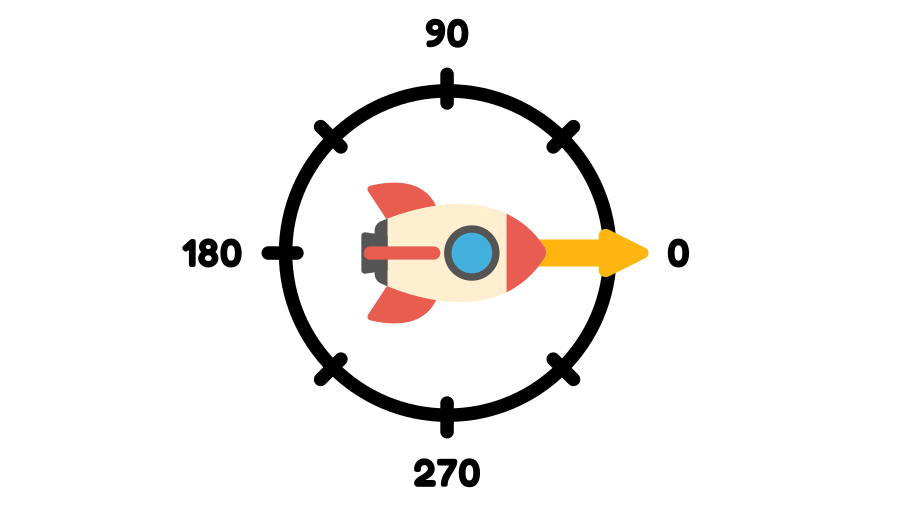
direction
direction is a built-in variable. It stores an angle, in degrees, that represents where the object is heading. By default, direction is 0. This means that unless you tell it otherwise, all objects will be moving to the right when they’re set in motion using other built-in variables.
-
Choosing a GameMaker Project
One of the first challenges as a game developer is deciding what kind of game to make. If your project is too big, you risk burnout. If it is too small, you miss the chance to grow. The key is to pick something that matches your current skill level and then move up step by…
-
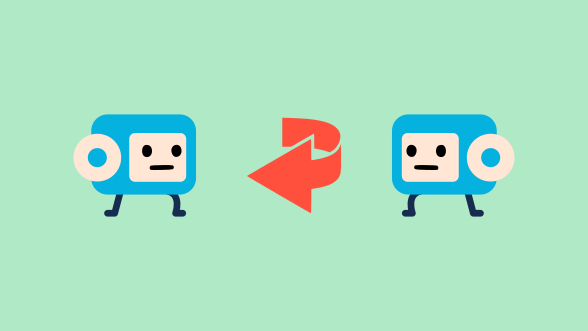
How to Flip Your Character in GameMaker
One of the basic things you’ll want is for your character to face the right way. Luckily, GameMaker makes this super simple. The Setup We’ll assume a side-view game where your character can face left or right. Instead of drawing two sprites, we’ll use just one right-facing sprite and let GameMaker flip it for us.…
-
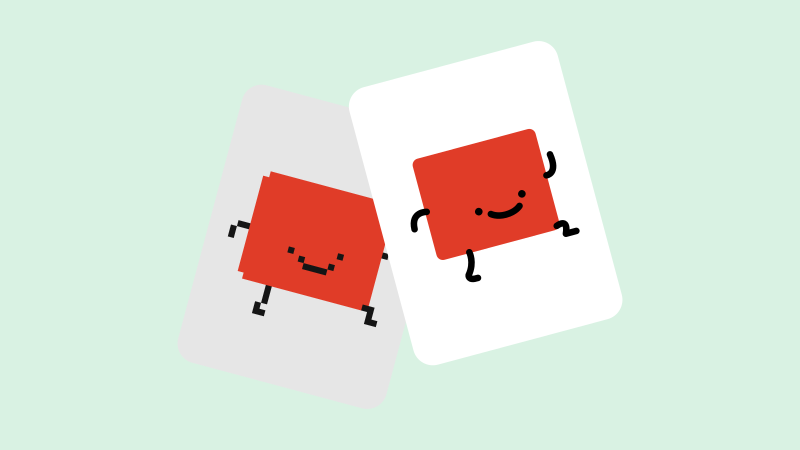
Making Art for Your GameMaker Games: An Introduction
When you first start making games, one of the most exciting parts is the art. It can also be intimidating, especially if you don’t have any experience! What style do you use? How do you make the art? Do you go for a chunky pixel-art style, or a hand-drawn aesthetic? The truth is, there’s no…
-

Top Down Movement
What You’ll Learn A top-down perspective means that the player sees the world from above, as if looking straight down from the sky. It’s a popular style used in games like Zelda and Stardew Valley. In this tutorial, you’ll learn how to move a character around in this perspective using basic top down movement. Try It Out! Click…